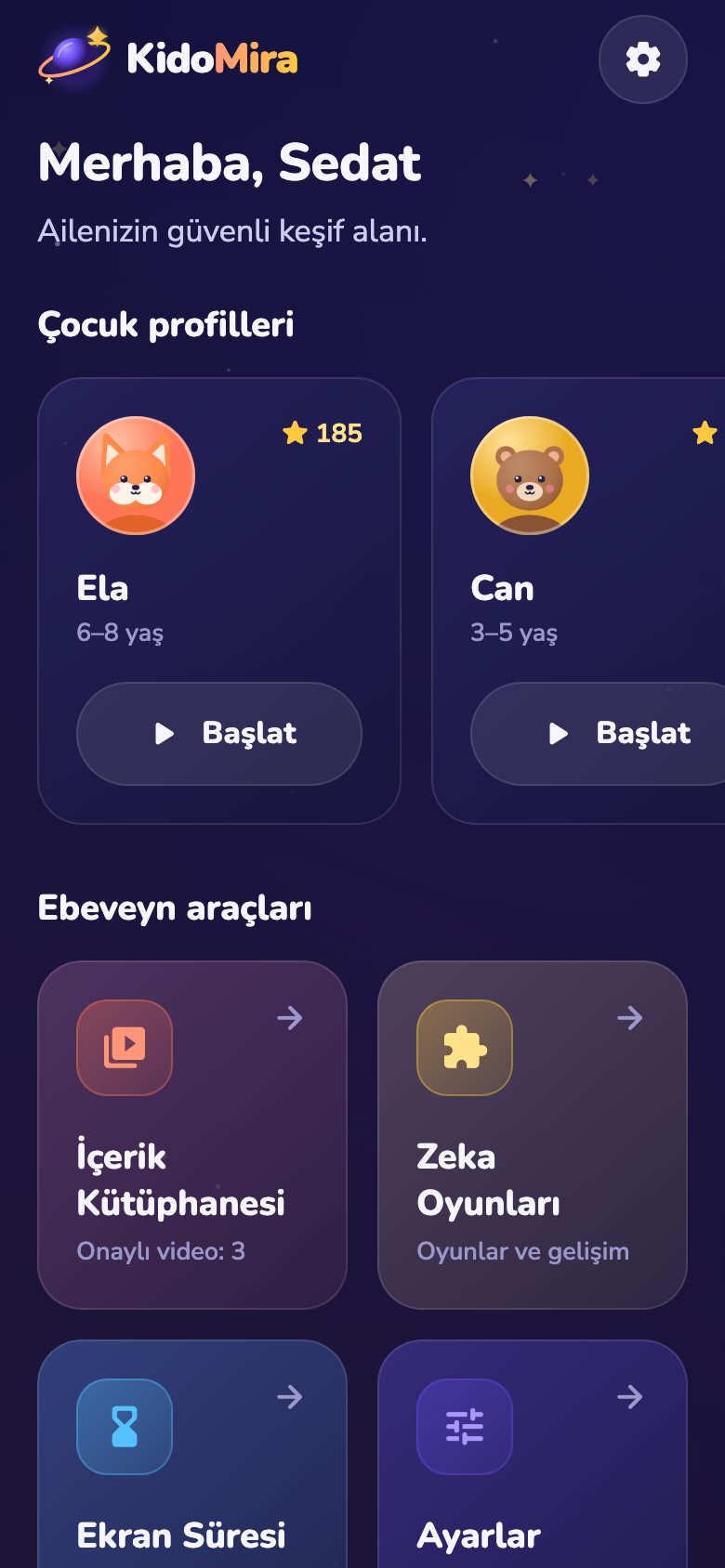
Approved content only
No search, recommendation feed, comments, likes or sharing on child screens. Every video in their list, you choose.
With KidoMira, your child watches only the videos you choose and approve, and plays age-appropriate brain games. No search, no recommendation feed, no comments, and KidoMira places no third-party ads.
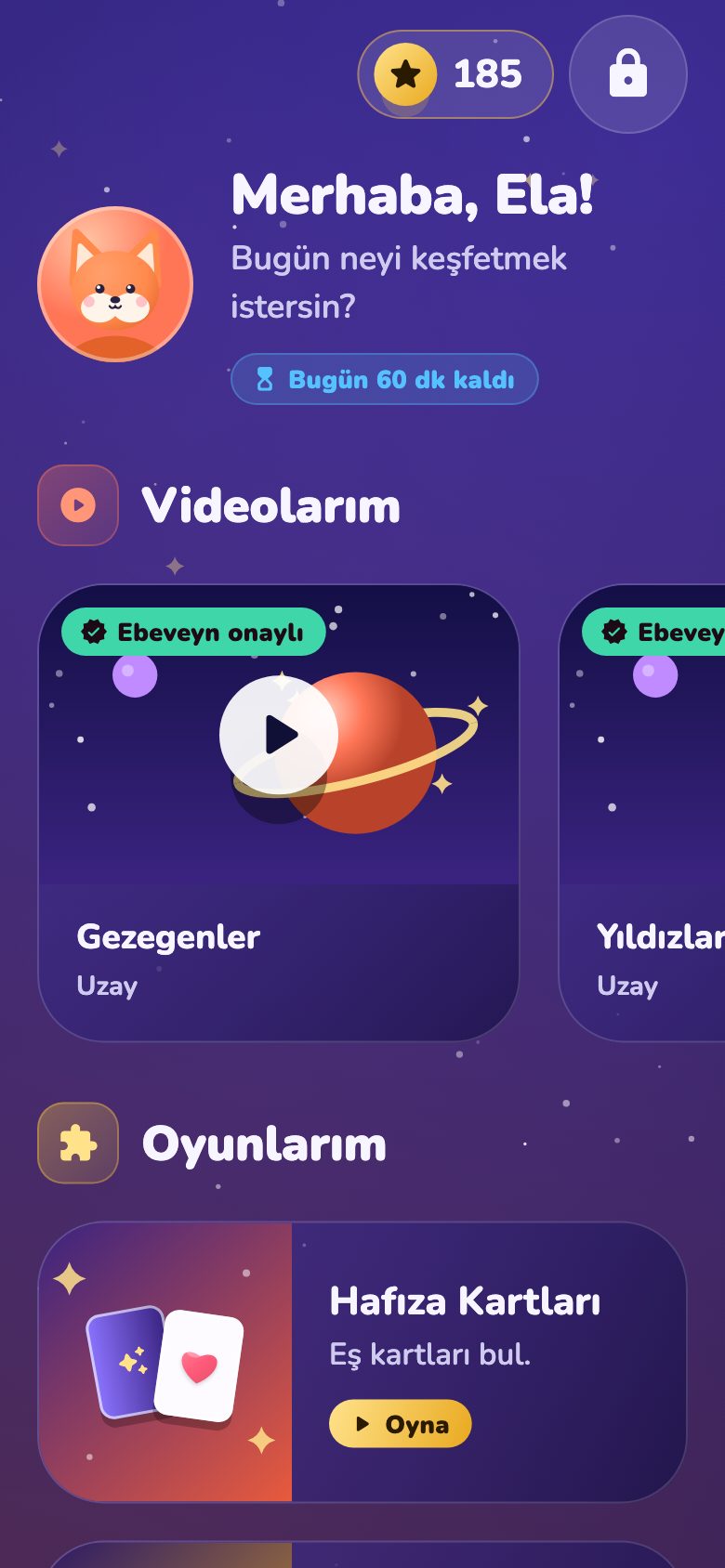
Paste the link of a YouTube video you like. KidoMira checks it and you approve it.
Child mode shows only the videos you approved. The next video comes from your list too.
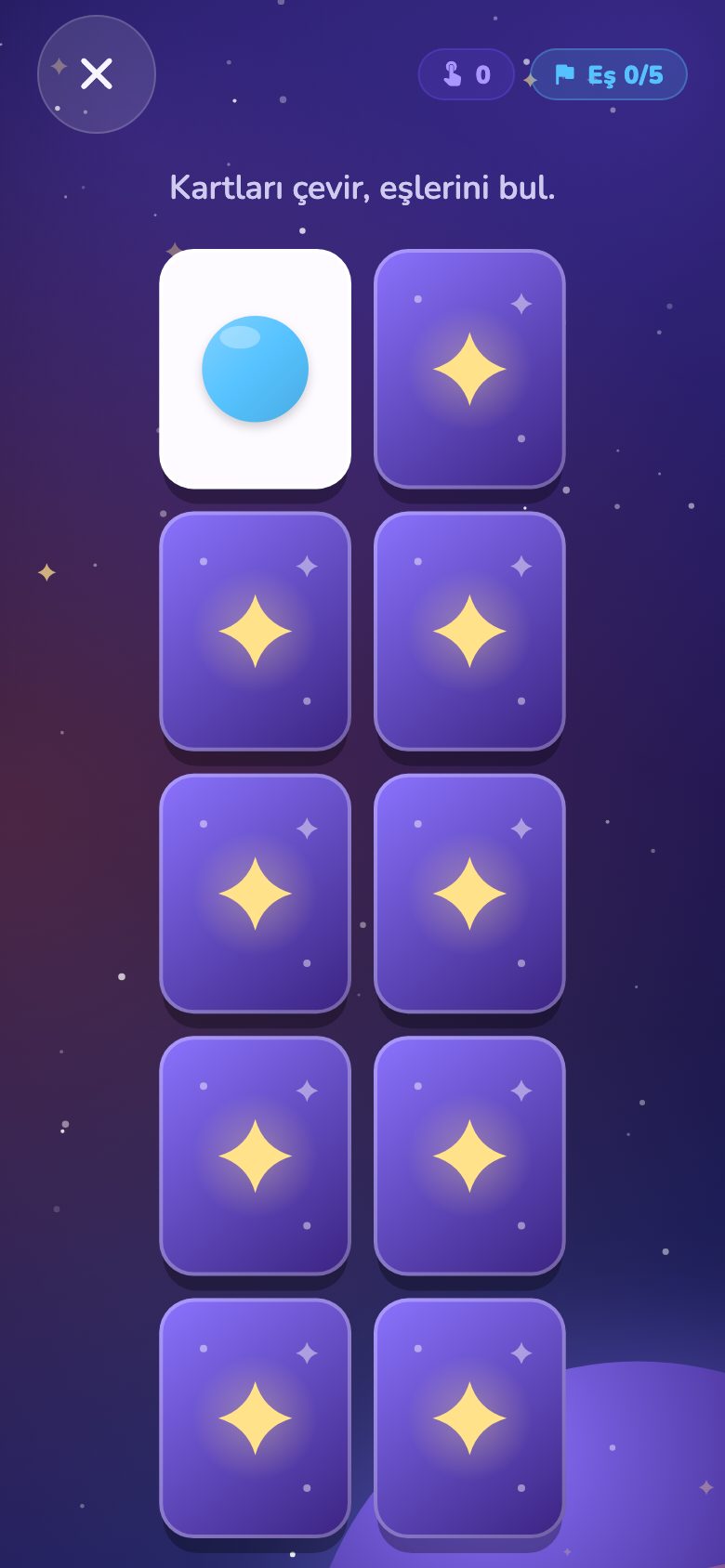
Memory, pattern and logic games award stars and badges, with difficulty matched to age.
No search, recommendation feed, comments, likes or sharing on child screens. Every video in their list, you choose.
Leaving child mode requires the parent PIN. Child mode stays on even if the app is closed and reopened.
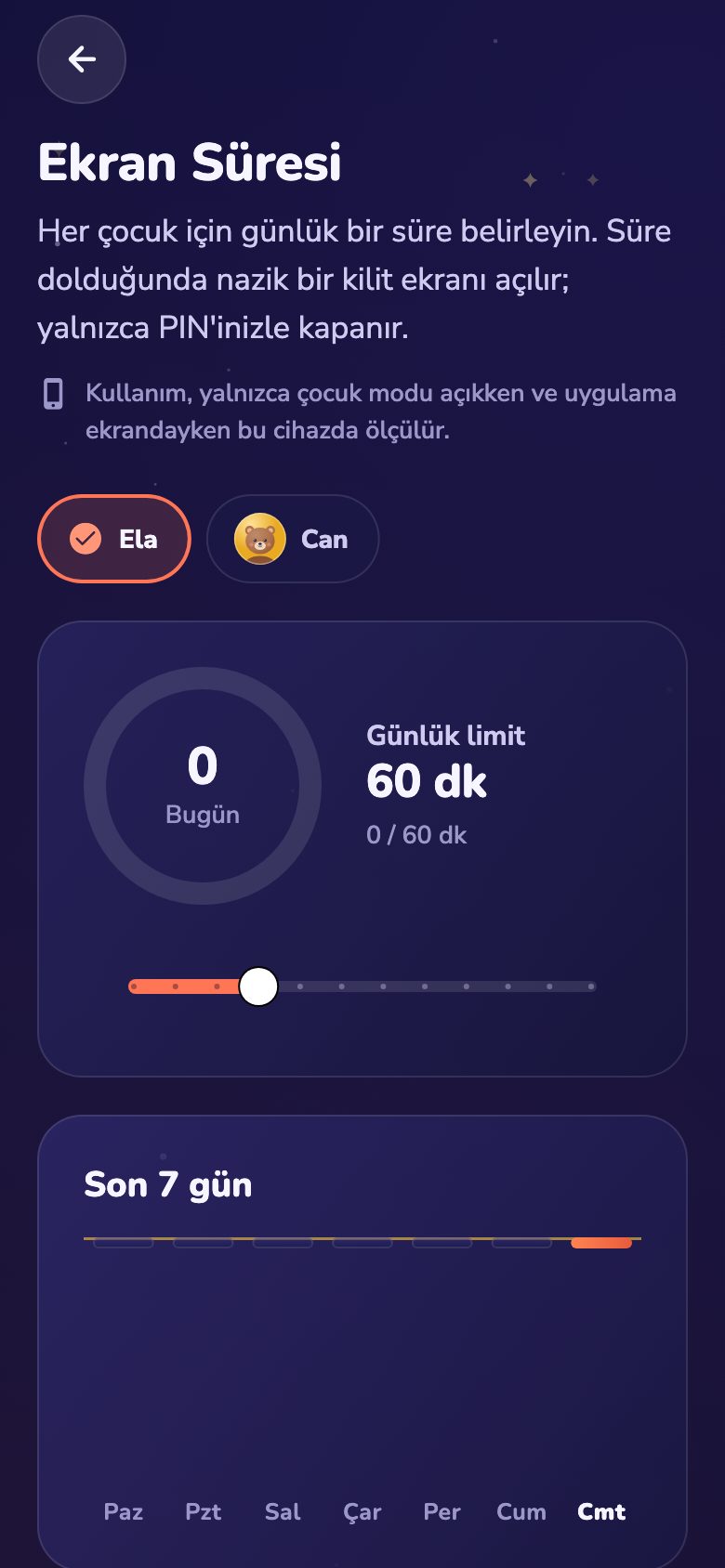
Daily limit, bedtime and an eye-rest break every 20 minutes. When time is up, a gentle lock screen appears.
Memory Cards, Complete the Pattern and Logic Questions. Works offline and grows with your child.
Turkish, English, German, Spanish, French and Arabic, with voice prompts in your child's language.
The approved video library is free for every family. Premium adds games, reports and advanced tools.
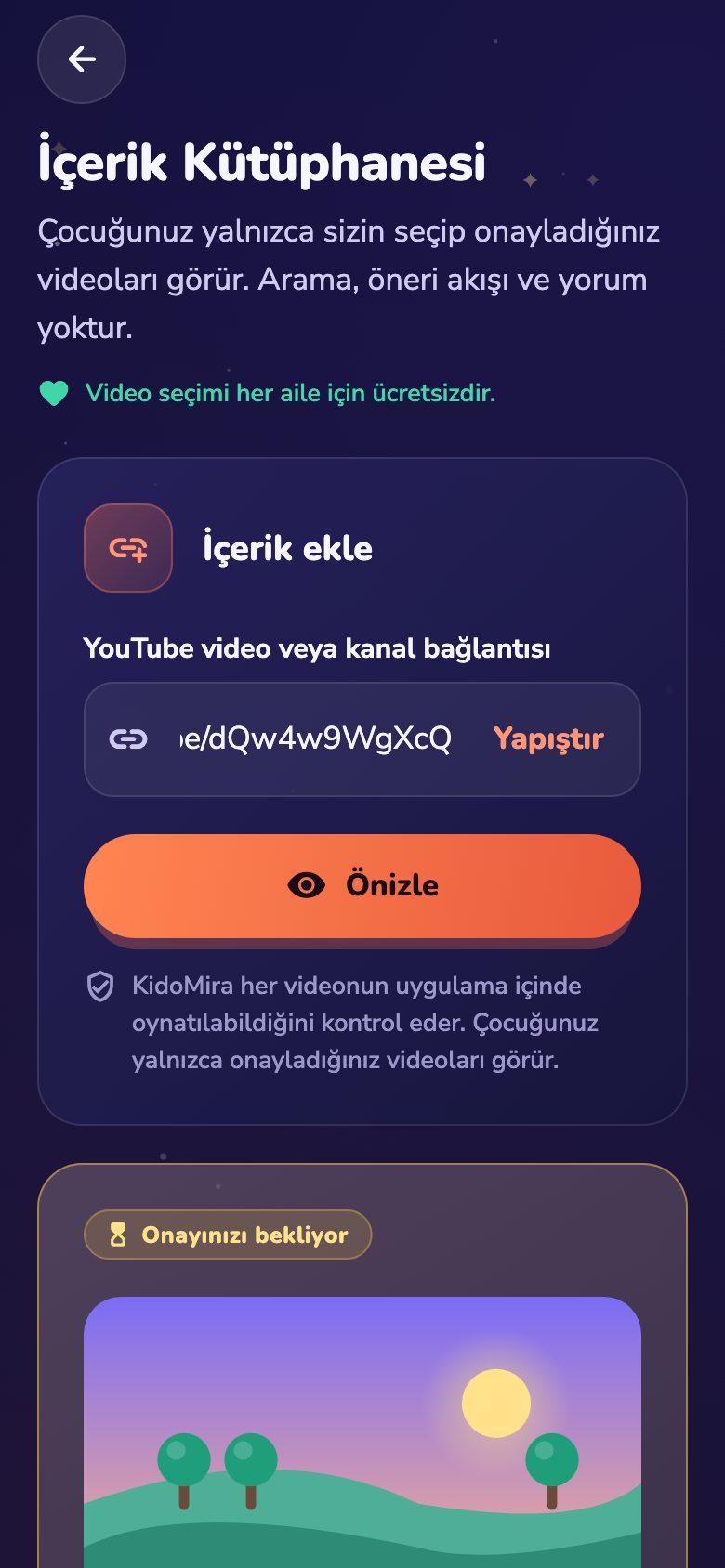
It's designed for preschool and early primary school children. Game difficulty follows the age range in the child profile.
You choose them: paste a YouTube link, KidoMira checks it can be played, and after your approval it's added to your child's list. Suggestions in our starter packs are added only if you approve them.
Leaving child mode requires the parent PIN. To lock the whole device to one app we recommend Guided Access on iOS and App Pinning on Android; the app walks you through it.
The basic library is free and lets you add a limited number of videos. Unlimited videos, YouTube channel import, more devices and advanced parent tools come with Premium. Prices are shown on the App Store and Google Play.
Parent area › Settings › Delete my account. Your account and the family data linked to it are permanently deleted, and progress, watch history and the PIN on that device are cleared. Purchase records are kept for up to 3 years; the Account & data deletion page explains what is kept and for how long.
Download it free for iPhone, iPad and Android. Questions? Write to us.
support@kidomira.com